
Improve The Things That Matter Most.
So faculty can give residents more opportunities - with confidence.
The proof is in the data
Faculty Trust VR Trained Residents More
Read how Dr. Barry McDonough was able to give his arthroscopy residents more responsibility in his OR.
Dr. McDonough
Program Director
“I let the junior resident do more than ever before—and still finished on time.”
Let The Numbers Talk
See an example of success, with a multi-year implementation at an institution like yours.
21
Months
30
Residents
2,566
Sessions
7
Subspecialties
virtual demo
The PrecisionOS Platform
Dr. Goel joins our product team to give you a virtual demo.
virtual demo
The PrecisionOS Virtual OR
Mike Brock, our Principal Clinical Product Manager, walks through a Proximal Humerus Fracture In Virtual Reality.
Subscription Details
The Platform For Objective Assessment.
Objective data. Measurable progression.
Institutions
Contact Us for A Quote
With the Institutions subscription you get access to all the benefits of the individual plan:
- Hundreds of surgical skills across 27+ specialized VR Cadaver Lab Apps.
- Personalized performance feedback on accuracy and procedural flow from Delphi our AI Attending.
- Wire trajectory and imaging in a risk-free environment with zero radiation exposure or reputation risk.
- Access data-backed analytics to track technical proficiency and include in residency or fellowship applications.
Plus you get access to:
- On demand, accreditation-aligned program-level reporting on resident progress, simulation use and training gaps for your Clinical Competency Committee (CCC) meetings.
program FAQ
Common Questions About The PrecisionOS Ecosystem.
Clear answers on how our platform support your institution's path to technical fluency.
Should I prepare before my first VR session?
Yes—to get the most out of your training, we highly recommend completing the Onboarding Course on your mobile or desktop first. This ensures you understand the navigation, tool handling, and virtual environment basics so you can focus entirely on your surgical skills once you are in the headset.
Action: Complete the 5-minute video modules before your first rehearsal.
Is there a step-by-step "Quick Start" guide for institutions?
Yes—The Onboarding Course is your fastest path to proficiency. It walks you through account syncing, procedure selection, and your first virtual rehearsal step-by-step, ensuring you are “OR Ready” before you even pick up the controllers.
Action: Follow the guided video path to standardize your learning experience.
Can I use my own Meta Quest headset?
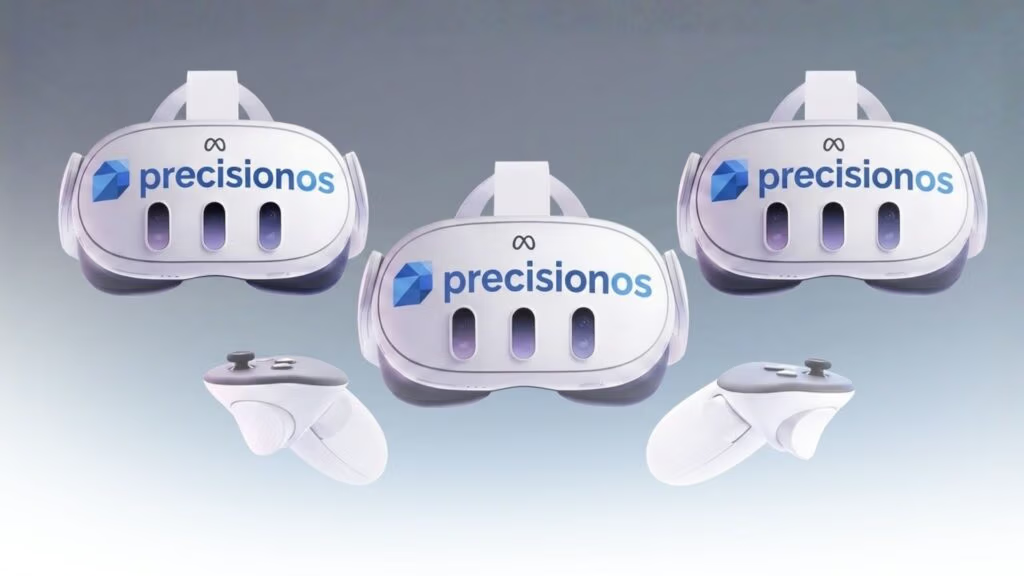
Yes. PrecisionOS is compatible with Meta Quest 2, 3, and Pro. If you already own a headset, you simply need to download the PrecisionOS Launcher from the App Store and sign in with your membership credentials.
Action: Download the launcher and log in.
Does my progress save if my program buys an institutional license?
Yes. Your learning data and Objective Readiness Reports are tied to your PrecisionOS account. If your residency program upgrades to an institutional license, your technical proficiency data can be ported over.
Action: Contact our support team to merge or transition your account.
Can I use the software on more than one device?
Your membership allows you to log into the PrecisionOS Launcher on any compatible VR headset and the PrecisionOS Mobile App on your phone. However, you can only be active in one VR session at a time.
Action: Sign out of one headset before logging into another to avoid sync errors.
Where can I find guided learning paths?
Residents can access structured curriculums through FractureLab “Courses”. These pathways are designed to take you from basic technical fluency to complex procedural mastery.
Action: Open the FractureLab app in VR and select “Courses.”
How do I connect my headset to hospital Wi-Fi?
Hospital networks often require a MAC address for device white-listing. You can find this in your Meta Quest headset settings under About > MAC Address.
Action: Provide your IT department with the MAC address found in your headset settings.
How do I update my Meta Quest and PrecisionOS software?
Both the headset firmware and the PrecisionOS app must be current to prevent technical glitches. Go to Settings > Software Update on your Quest and check the Launcher for app updates.
Action: Enable “Auto-updates” in your headset settings.
Can I practice with other residents or mentors?
Yes, the Collaborate Mode (Multi-User) allows for real-time, synchronized surgical rehearsal. Multiple users can enter the same virtual cadaver lab to practice complex procedures together.
Action: Select “Collaborate” from the main menu and share your session code.


